A reading room for opencode

Your coding agent, set as a book.

Folio is a desktop app for opencode. Each session becomes a chapter you can read: your request in ink, every command a footnote, every edit a plate you accept or reject.

Free · MIT · macOS, Windows and Linux · version 0.3.0

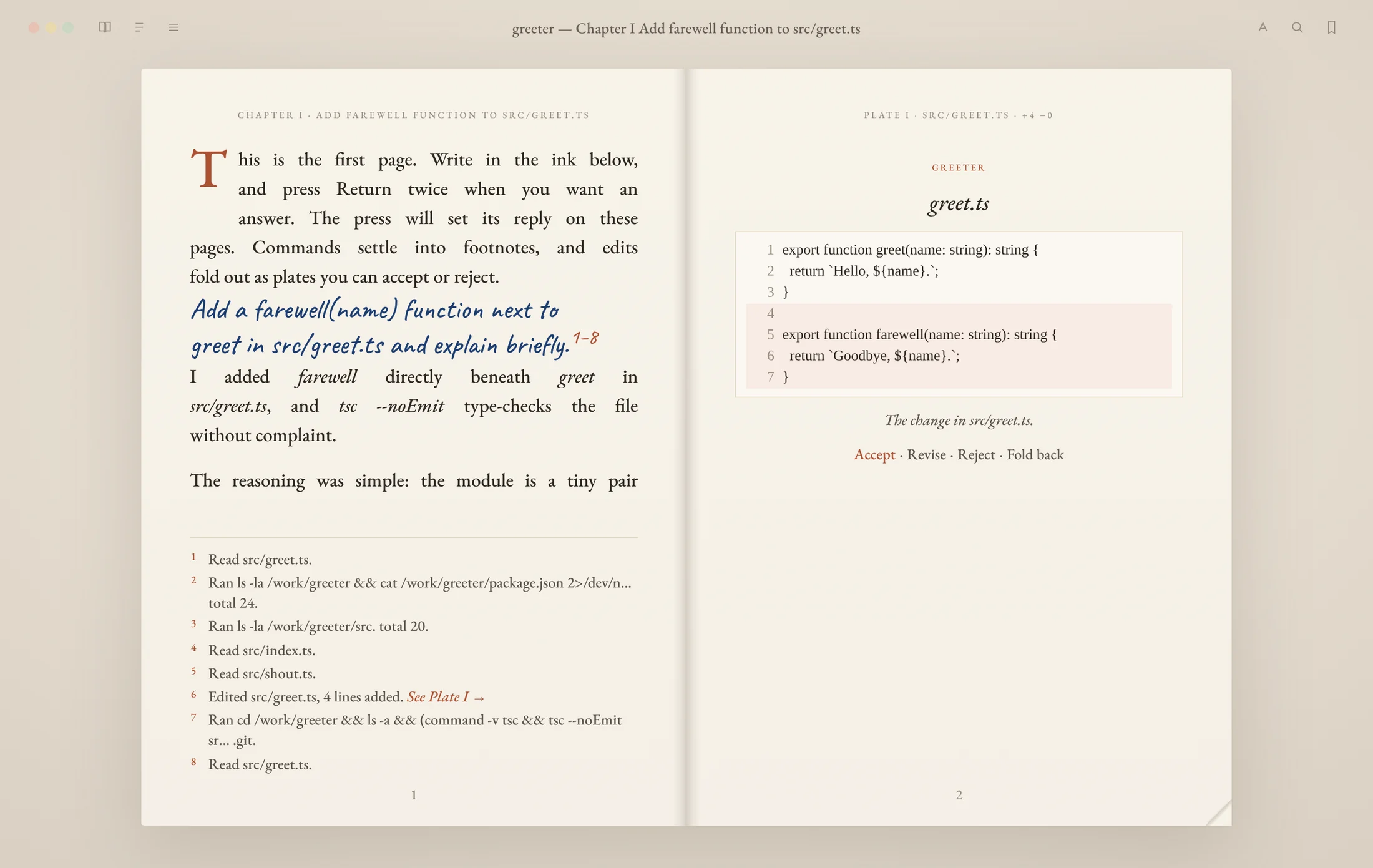
A Folio spread titled Chapter I, Add farewell function to src/greet.ts. The left page opens with a drop cap, then the request in blue handwriting, the reply in prose and eight footnotes for the files the agent read and the commands it ran. The right page shows Plate I, the diff for src/greet.ts, with Accept, Revise, Reject and Fold back under it.

A real session on opencode 2.0.32. opencode named the chapter from the request, and the edit it made faces the page as Plate I.

How it reads

A terminal scrolls past. A book keeps its place.

Folio doesn't change what opencode does. It changes how you read it, so you can follow a long session the way you follow a chapter.

  • The bookis a repository

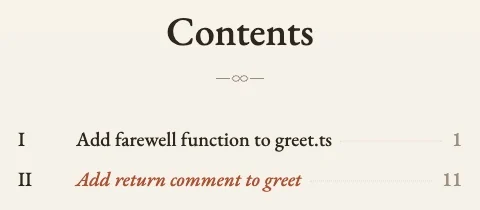
    Open a folder and it becomes the book. Contents lists every chapter, the ribbon marks your place and search looks through all of it.

  • A chapteris a session

    opencode names each one from what you asked. You write in ink at the foot of the page and press Return twice to send.

  • Footnotesare commands

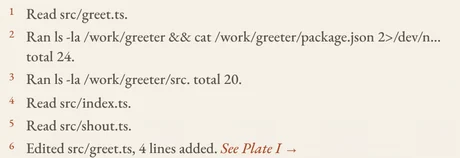
    Every file read and command run settles into a numbered note3–7 under the prose, so the reasoning stays readable.

  • Platesare changes

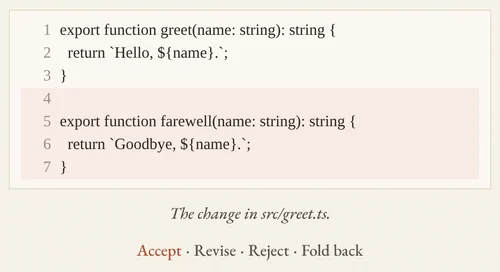
    Each edit is a diff set on the facing page, captioned like a figure: Plate I, the file, lines added and removed.

You stay in charge

Read the change before you keep it.

Every edit is a plate.

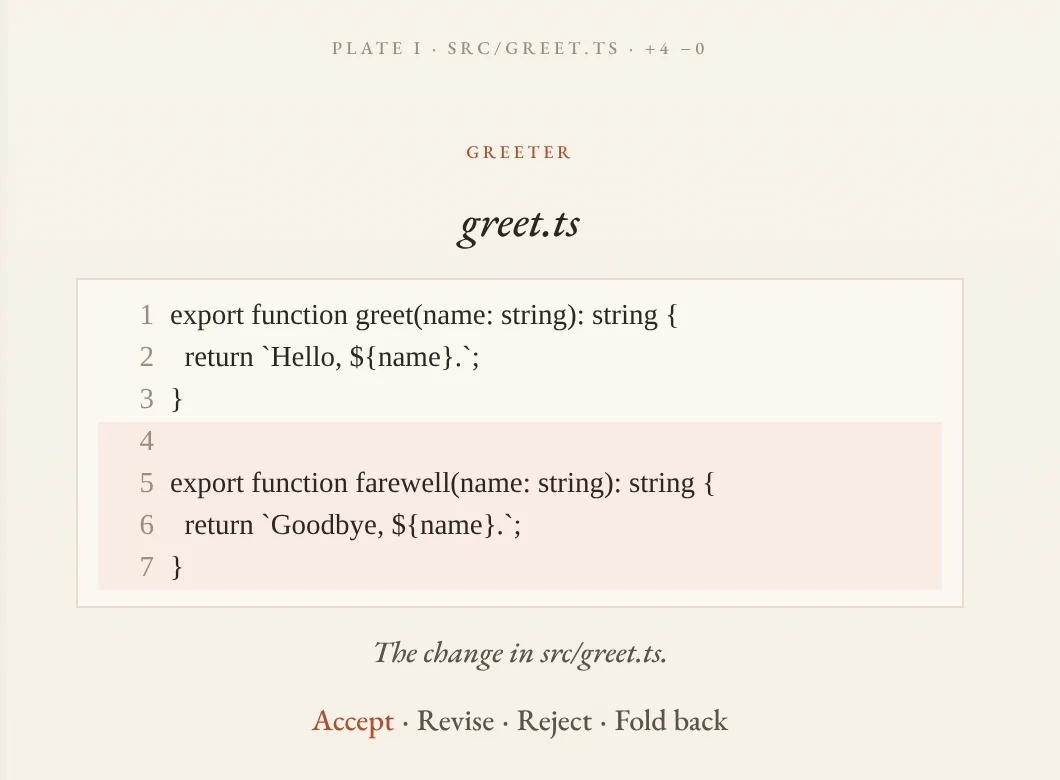
When opencode changes a file, the diff faces the page that explains it. Four words sit under it:

  • Accept marks the plate as set.
  • Revise puts “Revise the change in …” in the ink so you can say what you want instead.
  • Reject reverses that plate's own patch on disk and tells opencode you declined it on purpose, so it doesn't try again. Later edits to the same file are left alone.
  • Fold back puts the plate away until you want it.
Plate I, src/greet.ts, plus four lines: a new farewell function under greet, with Accept, Revise, Reject and Fold back underneath.

Ask before it writes.

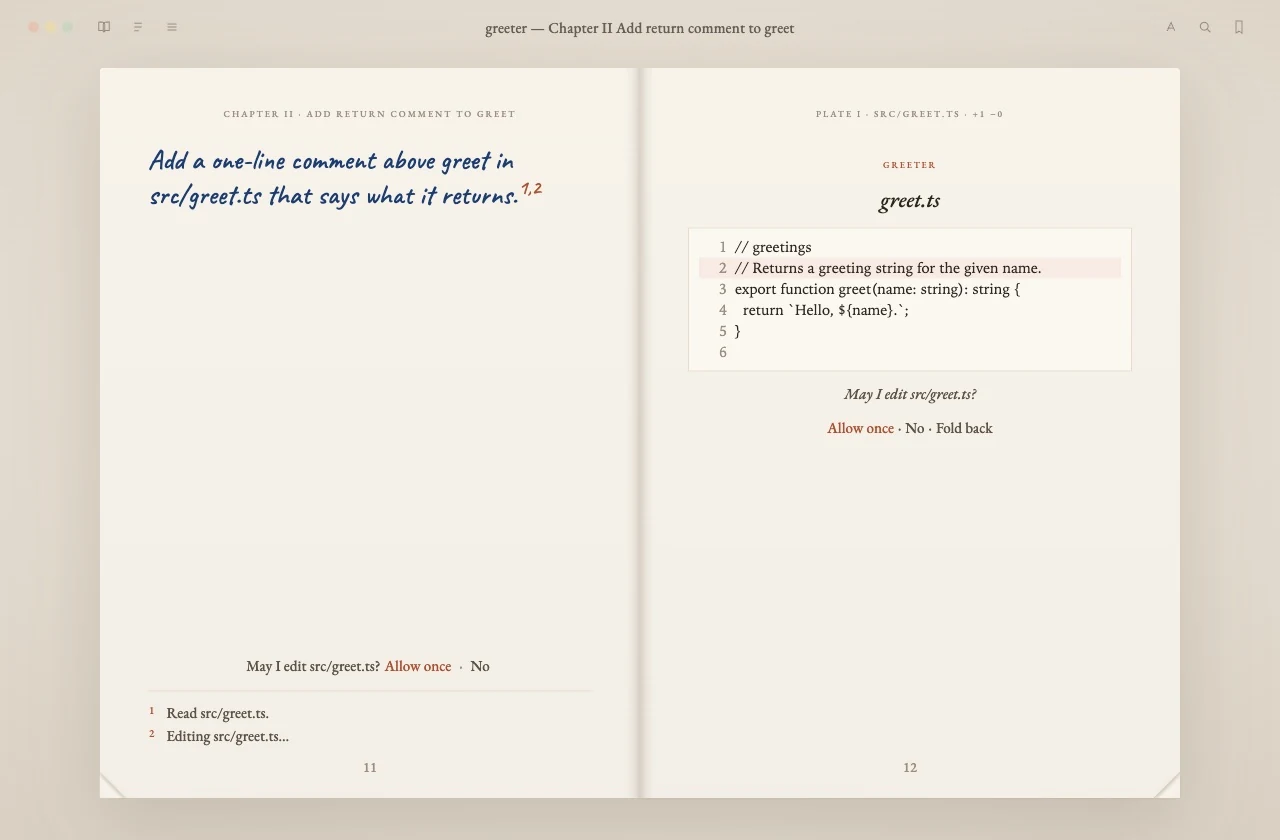
Turn on Ask before the press writes in the menu and opencode stops before each edit and each shell command. The question sits at the foot of the page with the proposed change facing it.

The answers are Allow once and No. There's deliberately no “Always”: in opencode that saves a rule for the whole project, and one click would quietly switch the setting off.

Chapter II paused before an edit: the request in ink on the left, May I edit src/greet.ts? Allow once · No at the foot of the page, and the proposed one-line comment set as Plate I on the right.

It brings its own opencode.

The installer carries opencode 2.0.32 and starts it for you on a random local port, with a password made for that launch. It keeps its own sessions and keys, so your opencode setup stays untouched.

The free OpenCode Zen models work without a key. Paste a key for another provider if you have one, or attach Folio to an opencode server you already run.

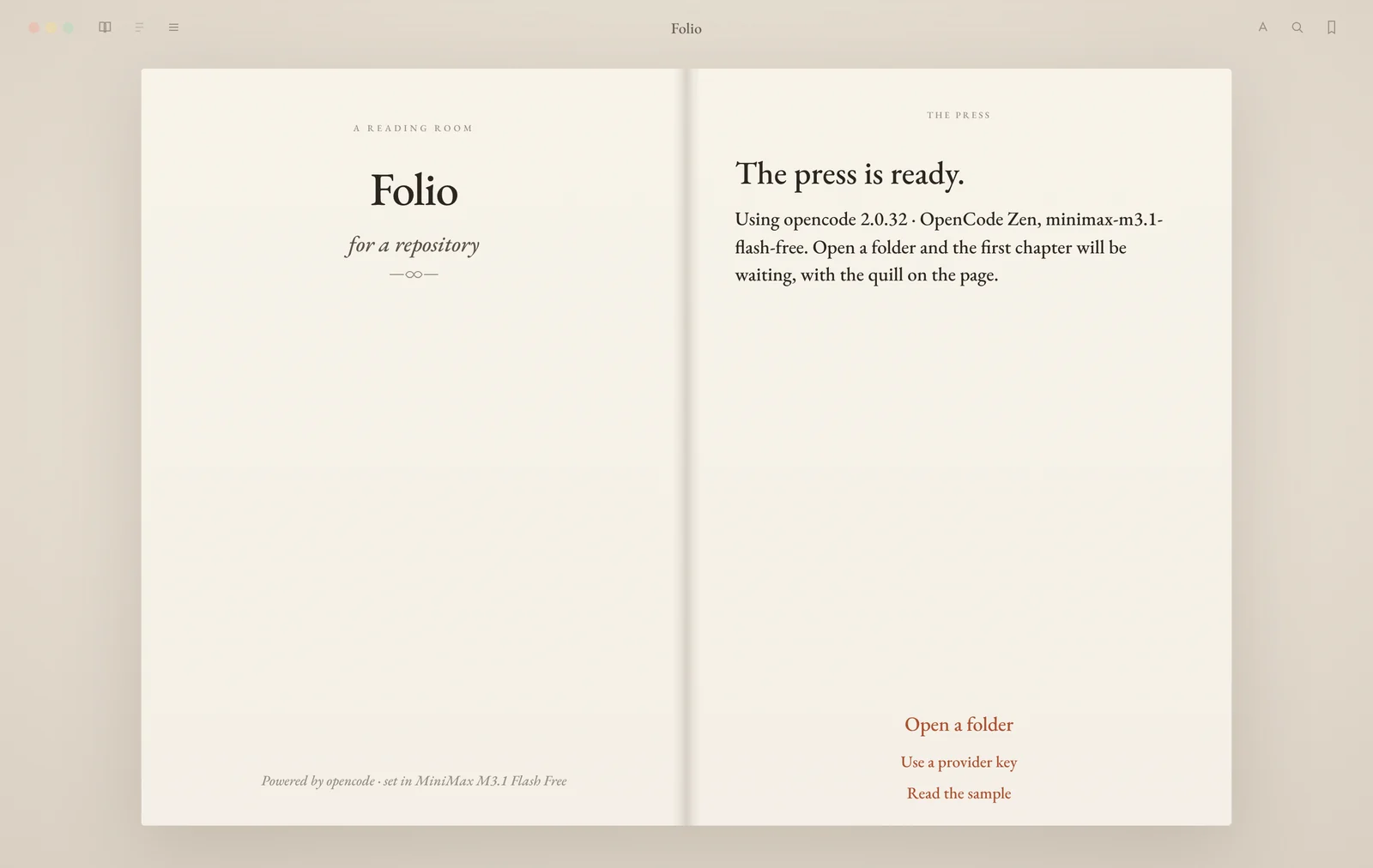
Folio's title page: The press is ready. Using opencode 2.0.32 with a free OpenCode Zen model. Open a folder, use a provider key, or read the sample.

Six themes, light and dark.

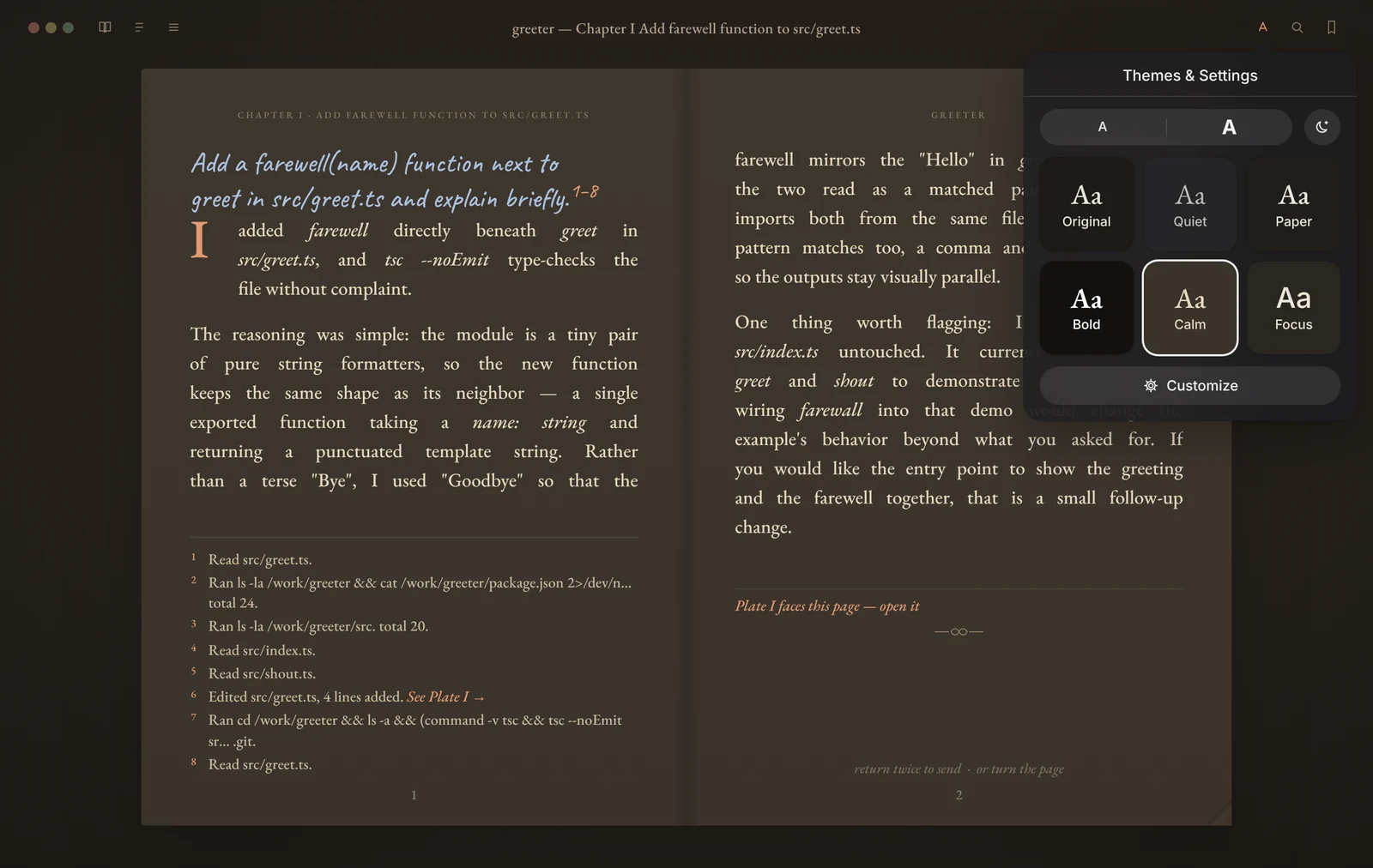
Original, Quiet, Paper, Bold, Calm and Focus each pair a typeface with a palette in both appearances. Text size, line spacing, margins and justified text are yours to set, and every theme keeps its ink readable on the page.

Highlight a passage to write in the margin. The reply sits beside your note and can replace the passage.

A chapter in the dark appearance with the Calm theme, and the Themes and Settings menu open: text size, appearance, and six swatches, Original, Quiet, Paper, Bold, Calm and Focus.

The catch

What you should know first.

Folio is young. Here is what that means today.

  • It's early.

    This is version 0.3. The core works and has 364 tests behind it, but expect rough edges, and please report them.

  • The builds aren't signed yet.

    macOS and Windows will warn the first time you open it. The steps to get past that are below, next to each download.

  • Free models come and go.

    OpenCode Zen decides which free models exist and how much you can use them. They can be busy or rate limited. A provider key avoids that.

  • It's an agent on your machine.

    opencode reads files and runs commands in the folder you open, as it does in the terminal. Turn on Ask before the press writes if you want to approve each step.

  • It's a reader, not an editor.

    There's no file tree, terminal or code editor. Keep your editor open next to it; Folio is for following and steering the agent.

  • Intel Macs are untested.

    The Intel dmg is cross-built on an Apple silicon machine and hasn't been run on an Intel Mac yet. If it misbehaves, tell us.

Download

Get Folio 0.3.0.

Every file is on the GitHub release page, built by GitHub Actions from the public source.

macOS

.dmg · macOS 12+ · Apple silicon or Intel

  1. Open the dmg and drag Folio to Applications.
  2. Open Folio. When macOS says it can't check it, open System Settings → Privacy & Security and click Open Anyway.
  3. If macOS says Folio is damaged, run xattr -dr com.apple.quarantine /Applications/Folio.app in Terminal, then open it again.
Download for Mac

Windows

-setup.exe or .msi · Windows 10+ · x64

  1. Run the installer.
  2. If SmartScreen says it protected your PC, click More info, then Run anyway.
Download for Windows

Linux

.deb or .AppImage · x86_64

  1. Debian and Ubuntu: sudo apt install ./ followed by the .deb file name.
  2. Anything else: make the AppImage executable and run it.
Download for Linux

Rather build it yourself? You need Node 22 and Rust. The README has the three commands.

FAQ

Questions

Is Folio free?

Yes. Folio is open source under the MIT license. There is no account and nothing to buy. The free OpenCode Zen models need no key; other providers bill you directly if you paste their key.

Do I need to install opencode first?

No. The installer carries opencode 2.0.32 and starts it for you on a random local port with a password made for that launch. You can also attach Folio to an opencode server you started yourself.

Does Folio replace opencode?

No. opencode does the work. Folio is a different way to read and steer it: it talks to opencode's own HTTP API and does not fork or patch it.

Will it touch my own opencode setup?

The bundled opencode keeps its sessions, keys and cache in Folio's own app data folder. It never opens your opencode database, and your opencode config folder stays yours.

Does Folio send my code anywhere?

Folio itself sends nothing to Basalt. opencode sends your prompts and the files it reads to the model provider you choose, the same as it does in the terminal.

macOS says it can't check Folio for malware. What do I do?

The build isn't signed with an Apple Developer ID yet. Open System Settings, then Privacy & Security, and click Open Anyway next to the message about Folio. If macOS says the app is damaged, run xattr -dr com.apple.quarantine /Applications/Folio.app in Terminal and open it again.